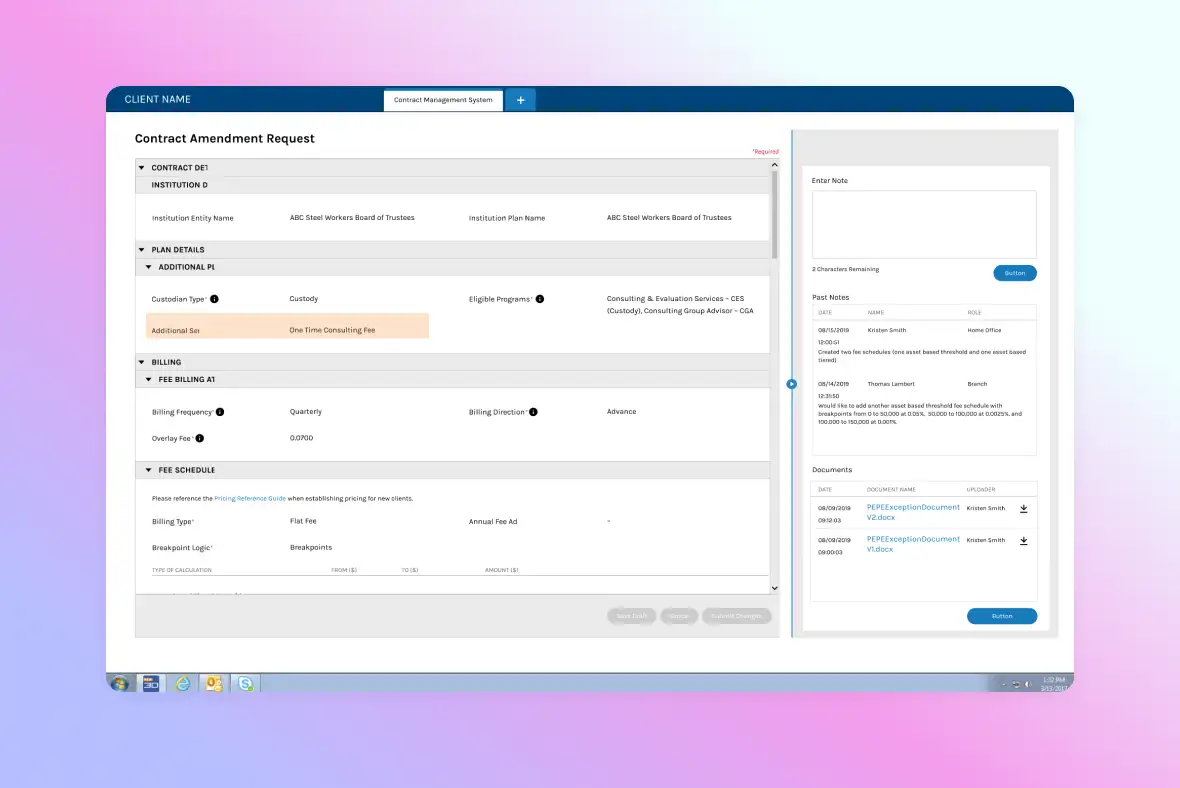
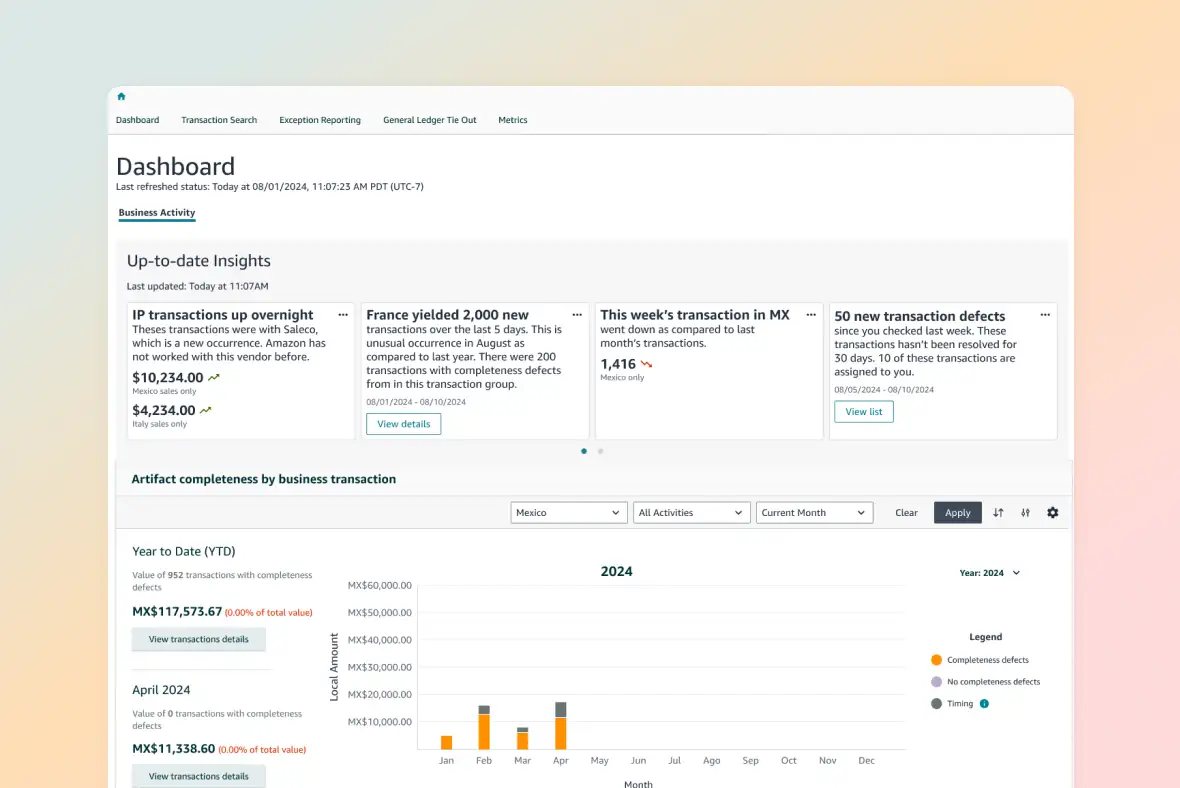
Designing an Enterprise IT Portfolio Management MVP
Problem space
Rebuilding investment confidence and decision reliability
I conducted interviews and workshops with key stakeholders to diagnose why the previous tool failed. The compiled information helped align stakeholders on the direction.
Key Insights:
Data Distrust
IT leads couldn’t produce accurate reports due to missing or incorrect data.
Fragmented Workflows
Project leads tracked information on disconnected spreadsheets.
User Behavior Insight
Two out of three users navigated via post-it notes, fearing getting lost or clicking the wrong button would cause irreversible errors.
Legacy product issues
Opportunity 3: Accuracy
Address usability issues to ensure accurate data entry for year-end reports, increasing overall product adoption.
Design principles
Grounded in operational scale and user behavior
Build trust
Implement real-time data syncing so users trust the screen they are looking at.
Contextual Guidance
Minimize cognitive load with "just-in-time" tooltips and inline validation.
Simplifying navigation
Designs to enhance usability
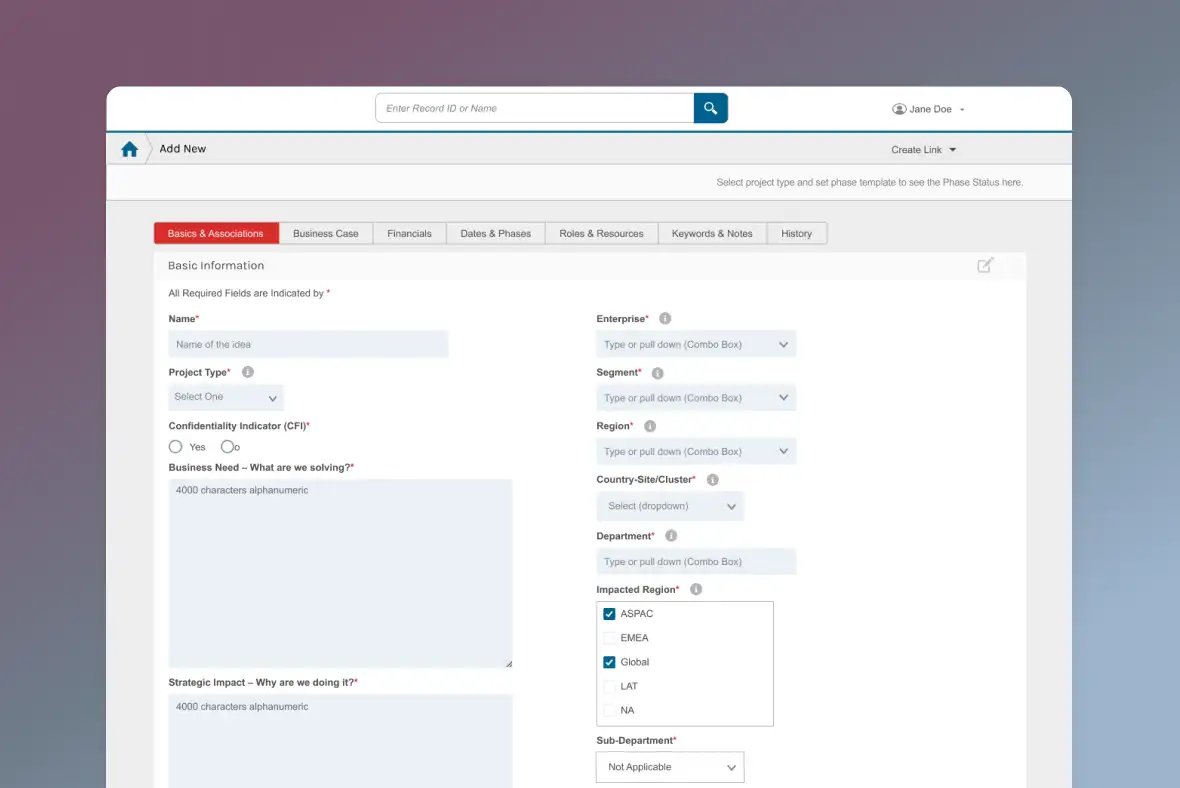
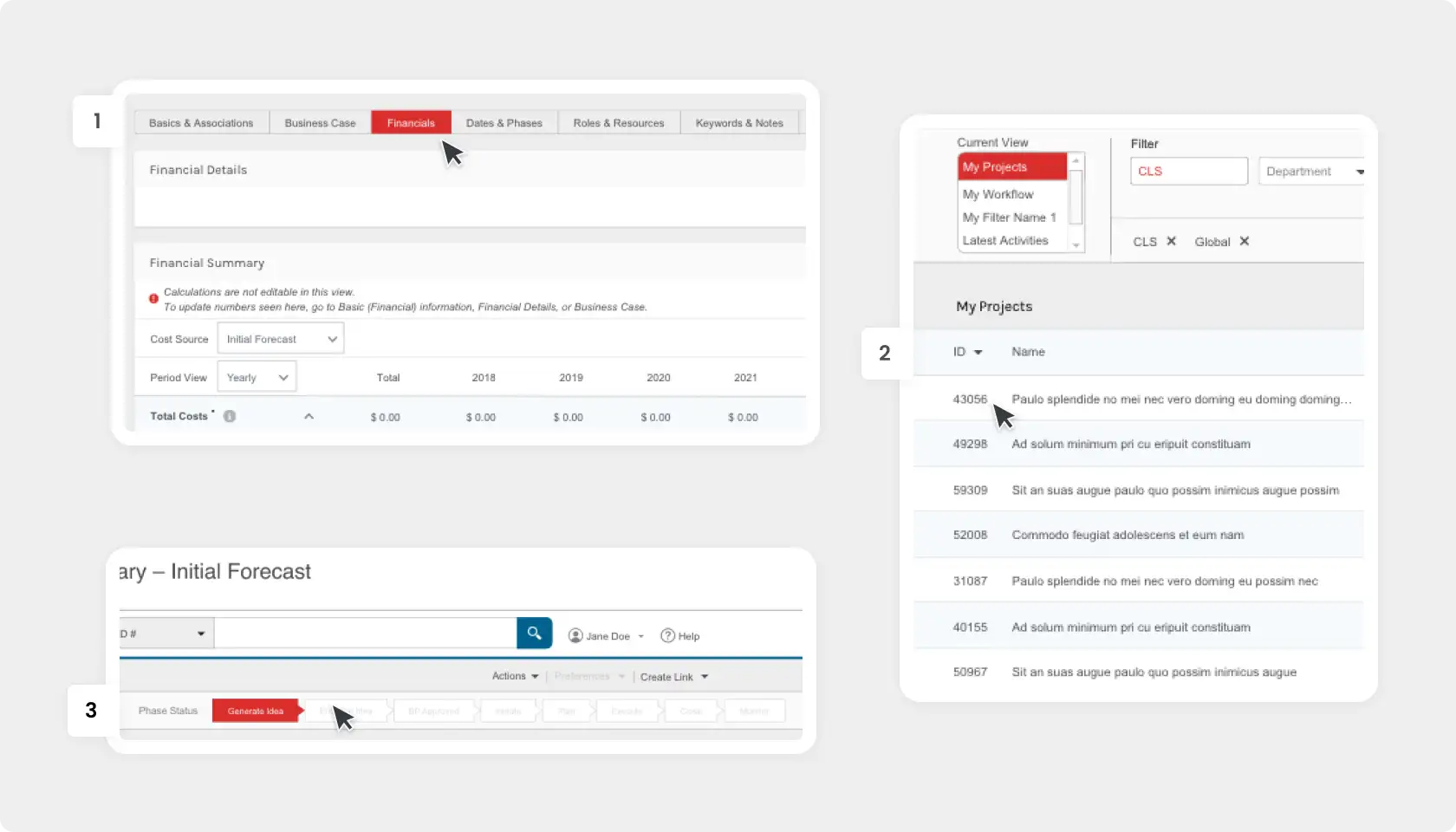
Users had trouble navigating their existing tool, even though it was around for years. Two out of three users relied on written notes to navigate tasks and avoided exploring the tool for fear of making errors.
Building trust
Seamless integration of data across the platforms
The previous tool required manual data transfer, leading to human error and "bad data."
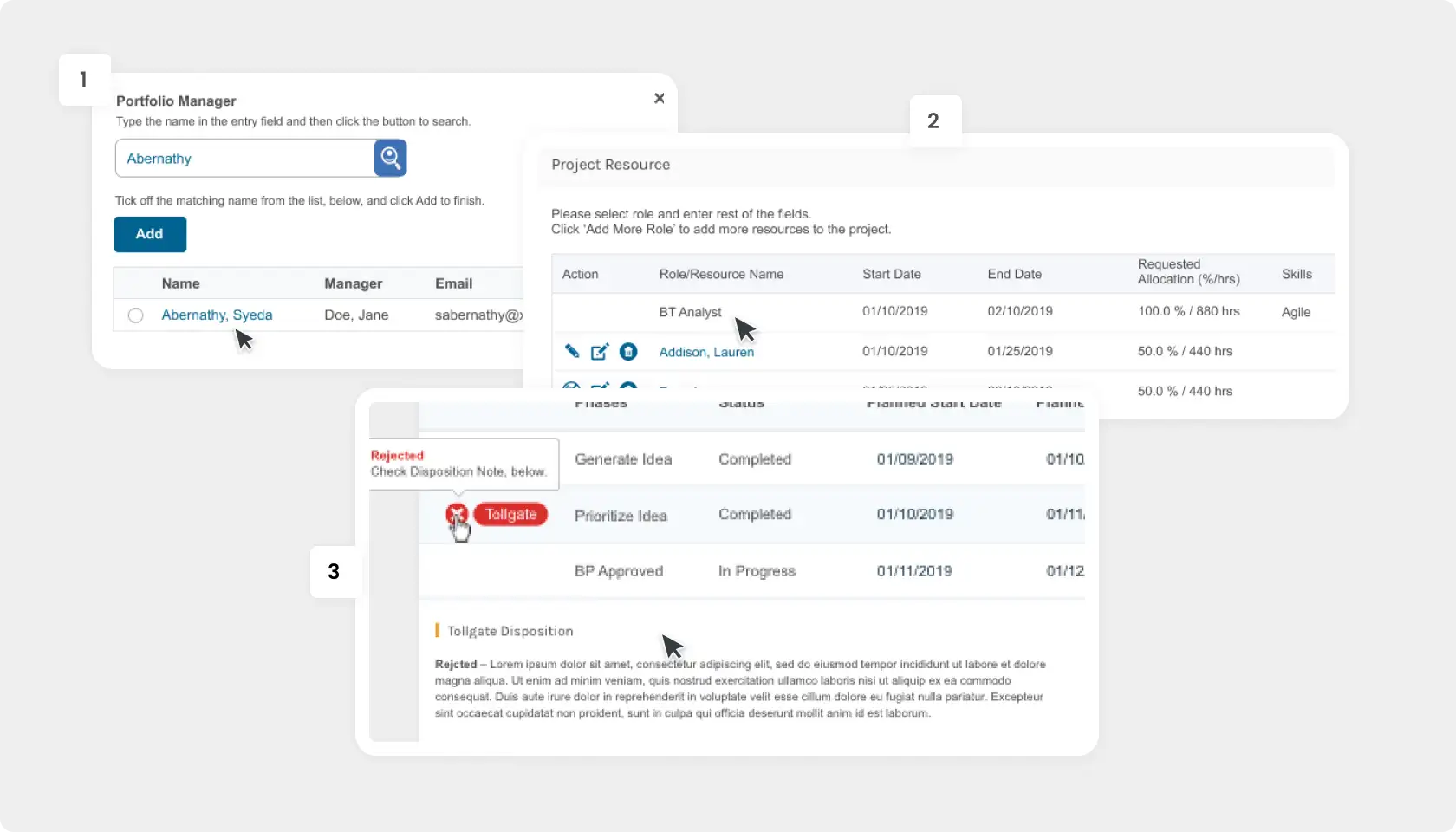
2. Automated Validation
Removed the need for double-entry. If it exists in the upstream tool, it exists here.
Contextual guidance
Integrating narrative into the tool
Connecting data for the new tool wasn’t enough. Users needed to understand how the data arrived in the tool and the language used to learn how the tool operated in order to complete their task appropriately.
What I learned testing with users: don't rely on assumptions
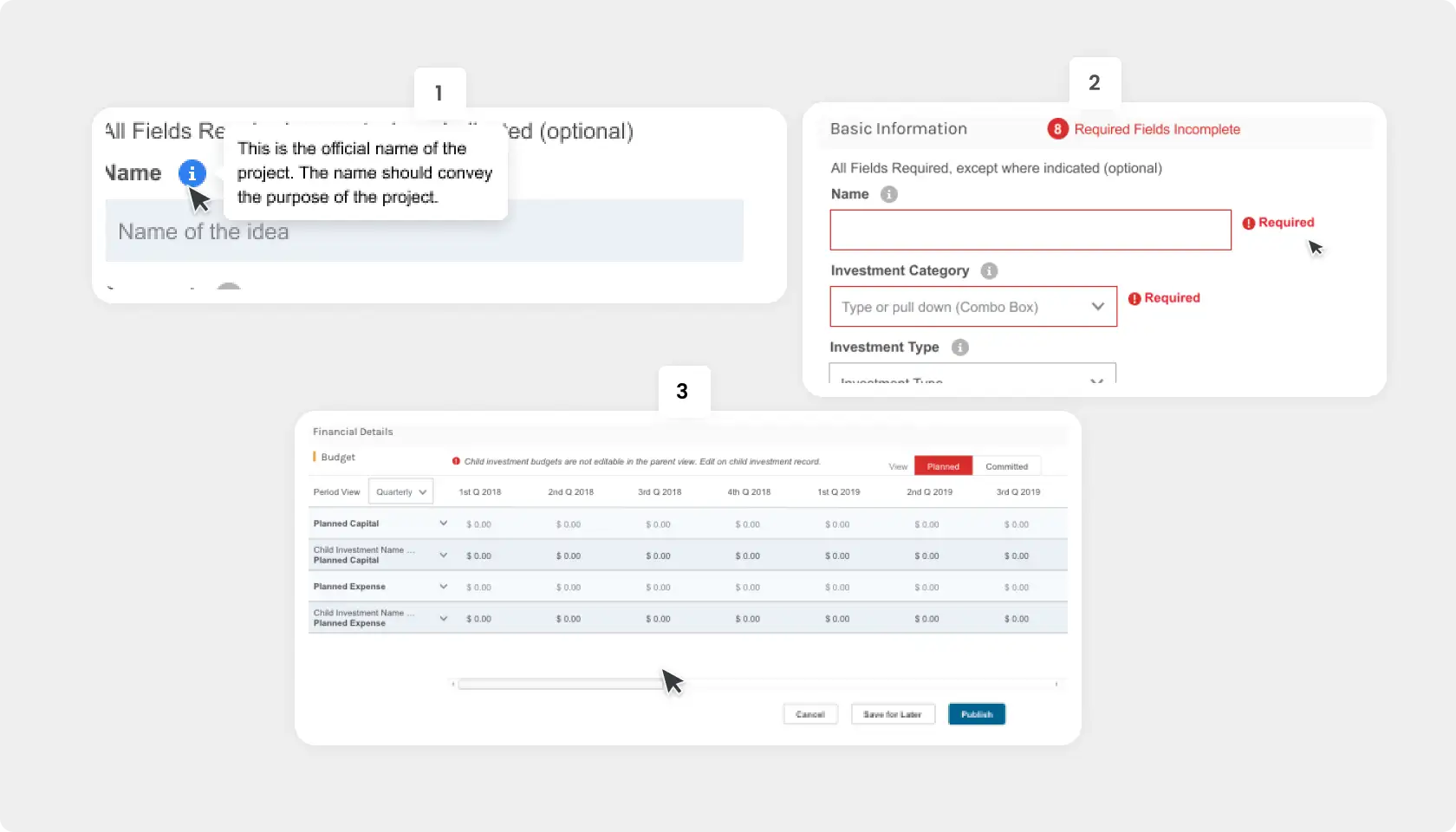
2. Inline Validation
Provided immediate feedback after input to prevent submission errors, rather than generic error messages at the end.
Retrospective
Designing for contextual literacy and awareness into a complex process
I prioritized lean concept testing by validating prototyped ideas with key users to understand how they read data, made decisions, and complete their tasks. This ‘testing in the margins’ allowed early course corrections without delaying development.
As the complexity of UI logic increased, I adjusted my approach–moving from lighter design artifacts to more explicit interaction logic, annotated wireframes, and flow maps. This gave engineering a shared source of truth, reduced QA churn, and allowed the team to move quickly without sacrificing correctness. This approach became the design standard for subsequent phases.